
Unique insight into the world of ever-evolving technology.
Why I'm perfectly happy with the iPad 3
Today Apple released a new iPad (fourth generation), along with some Macs and an iPod Touch Jumbo iPad Mini. Those will be covered in other posts. The new 4th gen iPad made some people unhappy. Usually, Apple refreshes its iPad lineup around March. They did this year with the 3rd gen iPad (the one I own). All of a sudden, the schedule is thrown off. Now all the iPad 3s are obsolete 6 months before they should have planned to be! But here's why I don't care.
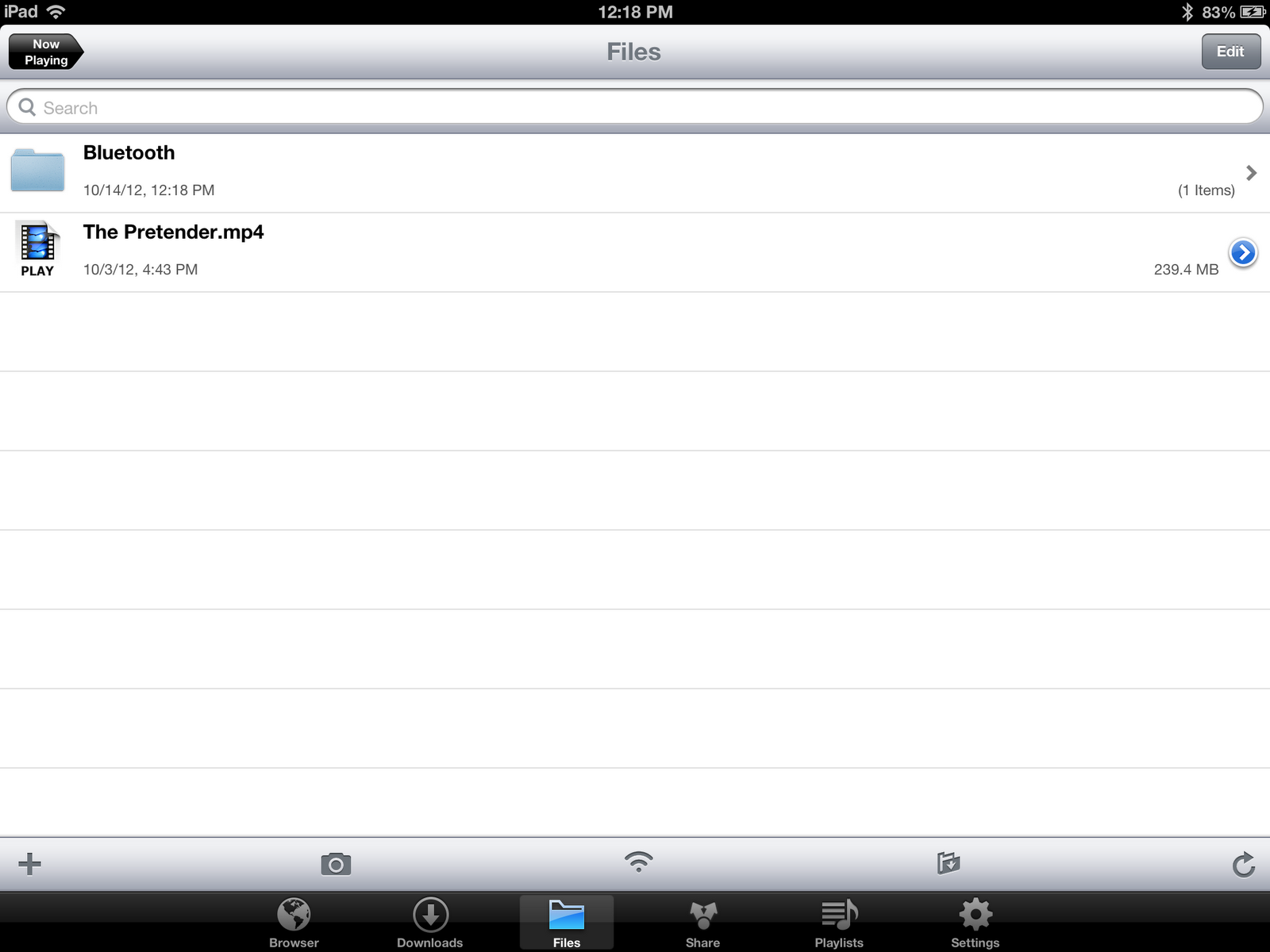
App Store Favorite: Media Downloader


iPhone, iPod Touch, & iPad | 21.5 MB | 4.5/5 stars
"Media Downloader is designed for you easily download free and legal musics and videos. Its simple effective and easy to use, you can easily download media from a huge variety of sites and then play them right on your i-Devices or transfer them to computer, other i-Devices or Cloud. Now get it and start your free media life."

App Store Favorite: Solar
iPhone & iPod Touch only | 2.0 MB | 4.5/5 stars
"Solar is an exquisitely designed weather app.No vector polygons, no dew point calibration and it won't remind you to wear a jacket. Just radiant, colorscapes to accurately help you size up your day."

Navigating future weather conditions is fun. To see a forecast for the next 3 days, just slide down. To jump ahead a few hours, slide up and watch the clock icon spin through time to see upcoming weather conditions.
How to put programs from your computer to your calculator
This guide only applies to people with a TI-83 or higher calculator.
Step 1
Download and install TI Connect on your computer here.
Step 2
Plug your calculator into your computer and open TI Connect.
Plug your calculator into your computer and open TI Connect.

Step 3
Click the first icon in TI Connect labeled "TI DeviceExplorer." Then just drag and drop the program files onto the line labelel "Program."

A sky filled with Cloud
Over the years I've collected up some cloud storage services. I began with Dropbox as a sort of experiment, a universal tool for whatever I thought I might need stored online, accessible from any other Internet-connected computer. Then, in a more recent year, Box.net (now just Box) had an offer to sign up with an iOS device, so I did. SkyDrive was sort of adopted as Microsoft melded it into their other products like Live, MS Office, and even Windows 8. Last year I began to use Google Docs for school a lot, and that transitioned into Google Drive. Then there's iCloud, which came a few iOS updates ago (I'm not even sure that can be considered a cloud storage service). I have all these services, with most of them nowhere near at their potential. Now that you have the history, let's dig a bit deeper.
Dropbox

Dropbox is probably my most used service of everything listed above. There's so many apps and websites that use it. It also does the one thing that no other service I've used has been able to: give you a direct link to a file (photos especially) with great ease. I tend to upload and post lots of photos online, and having a direct link quickly accessible is very important. In addition to photo sharing, I use it to move miscellaneous files from one computer to another, be it at home from my computer to an iOS device, or from my computer to a computer at school. I have amassed 4.13 GB in free space (4.9% of which I'm using), which you'll see doesn't compare too well with other services.
Dropbox
Dropbox is probably my most used service of everything listed above. There's so many apps and websites that use it. It also does the one thing that no other service I've used has been able to: give you a direct link to a file (photos especially) with great ease. I tend to upload and post lots of photos online, and having a direct link quickly accessible is very important. In addition to photo sharing, I use it to move miscellaneous files from one computer to another, be it at home from my computer to an iOS device, or from my computer to a computer at school. I have amassed 4.13 GB in free space (4.9% of which I'm using), which you'll see doesn't compare too well with other services.
iOS 6: Officially here!
To check out more blog posts about iOS 6, including my introductory one, click here.


Status update on Google
Google has been busy lately in the App Store. In the past 2 days, Google Drive has been updated with some awesome new features, and the successor to Apple's stock YouTube app has been released.
First was Google Drive. In the new version 1.1.0 update, document editing finally came to iOS in a decent fashion. The online editor wasn't ever very good. The app, however, works great.


First was Google Drive. In the new version 1.1.0 update, document editing finally came to iOS in a decent fashion. The online editor wasn't ever very good. The app, however, works great.


Subscribe to:
Posts (Atom)