Click here to see more iOS map "fight" blogs.
Any good app should support every part of the platform its on. That includes working well with every supportable device, other apps, and the OS itself. Round 1 judges compatibility. FIGHT!


Unique insight into the world of ever-evolving technology.



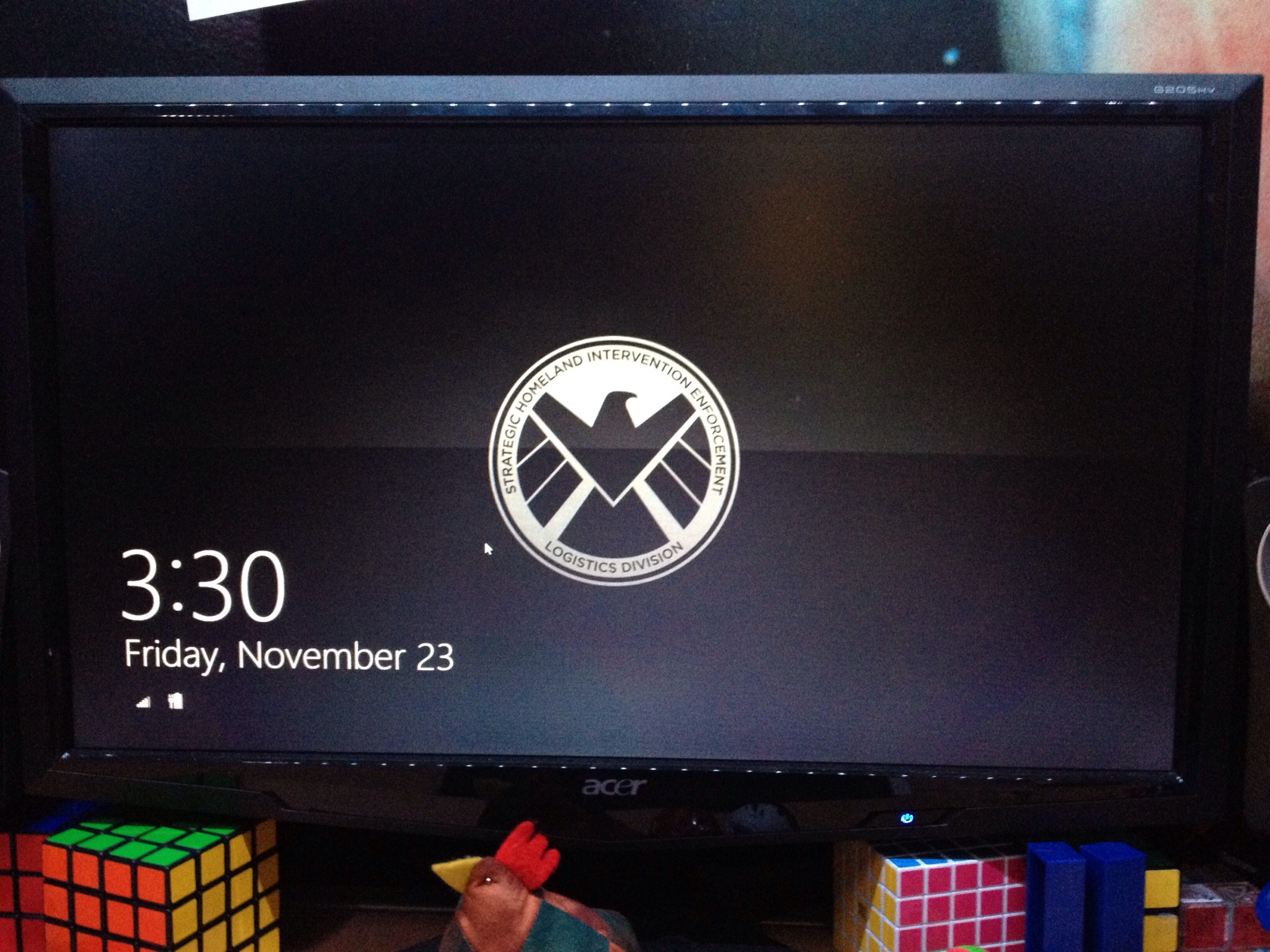
 Windows 8, Microsoft's latest (and greatest?) incarnation of their iconic operating system has been out for a few weeks, and I've been using the official release for as long as its been available. It's certainly a step towards the future of technology. "Technology and its innovations are the way of the future. Adapt or be left behind" is a saying I've come to find very true, especially with Windows 8. There have been points about how Microsoft and its new design suit mimic a lot of what Apple's been doing with its image and the image of their products. That's Microsoft adapting. Apple's Macs and iOS devices are so widely loved, and their ease of use is always contrasted with Microsoft products. So, Microsoft simplified their OS. Big, minimalistic tiles on a solid-color background with a little decal screams simplicity, or certainly more so than the Start menu. It's great to see Windows taking steps toward a more user-friendly experience, but there's still all that pre-Windows 8 OS to deal with.