

Unique insight into the world of ever-evolving technology.
Internet Defense League
It's becoming a trend in legislation across the world to attempt to block the freedom of the Internet, or censor certain parts. The root of this legislation is overwhelmingly about big businesses trying to stop the act of pirating online and gain all that lost money. Well, plenty of studies have shown that all that lost money isn't a very large amount. Legislation like SOPA, PIPA, and ACTA have nearly been ratified, but thanks to the Internet, enough people threw enough fits to stop them. But each time, the legislation had already gained ground. The Internet Defense League aims to get all those people throwing fits gathered together and coordinate their fits to knock out any other "bad laws & monopolies" from threatening Internet freedom. In the 1800s, US slaves fought for freedom. In the 1900s, women gained equal rights. In modern times, gays fight this same fight. And now, the Internet joins the fray. Fight to keep basic Internet rights. Joint the Internet Defense League here. Myself and this blog are members, and will carry the warnings that are distributed to members. And the logo? A lolcat, of course.
iOS 6: New Maps app navigation
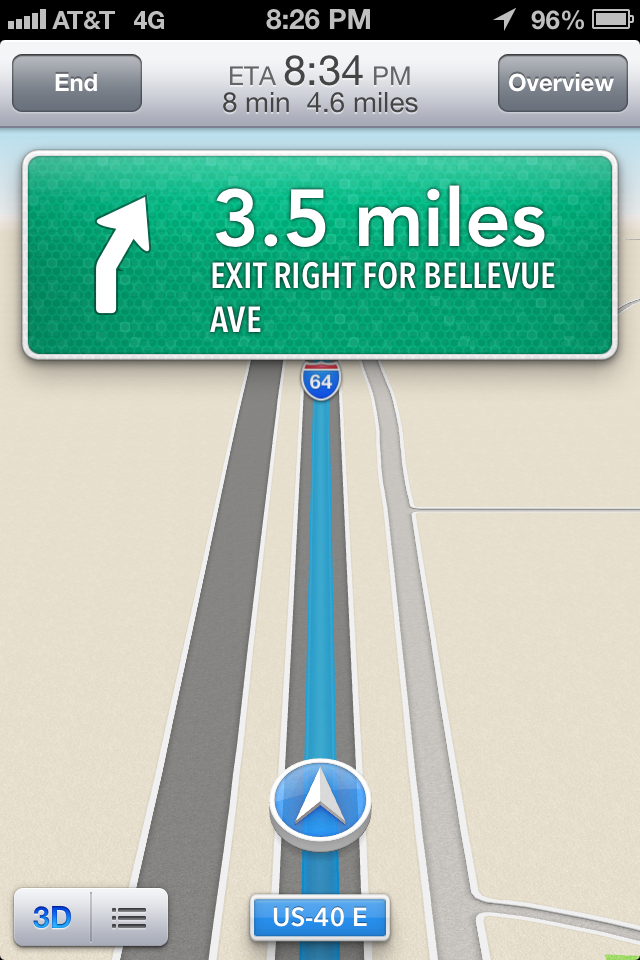 Something I didn’t go over in my past iOS 6 posts is the new Maps app’s vastly improved navigation features. I didn’t really try to go over it because every time I used it, I was driving, and couldn’t really spare much time to go around and get screenshots. Anyway, onto the actual navigation. The Maps app looks like the standard maps layout with the skinny streets and the pulsating blue dot for your location. But when you put in directions and tap Start, the whole app transforms into something that looks a little like a Tom Tom or other dedicated road navigation app. I like it. The little blue dot turns into an arrow following a blue line. The top toolbar gains an ETA and duration in time and miles, along with an End and Overview. The status bar, top toolbar, and buttons at the bottom can be hidden by tapping anywhere on the screen. The only interaction that works while in navigation mode is being able to slightly zoom in and out. The Overview button will pause navigation and return the map to more of the original mode, with the route outlined. By default the navigation mode is in 3D, which is beneficial to view upcoming streets (which names’ are displayed on a popup off to the side of the street you’re on).
Minecraft LEGO set in Minecraft PE
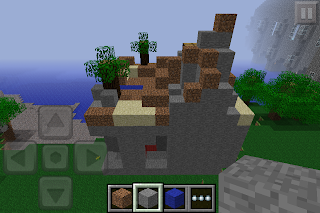
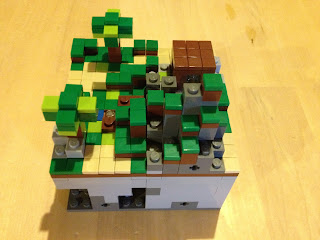
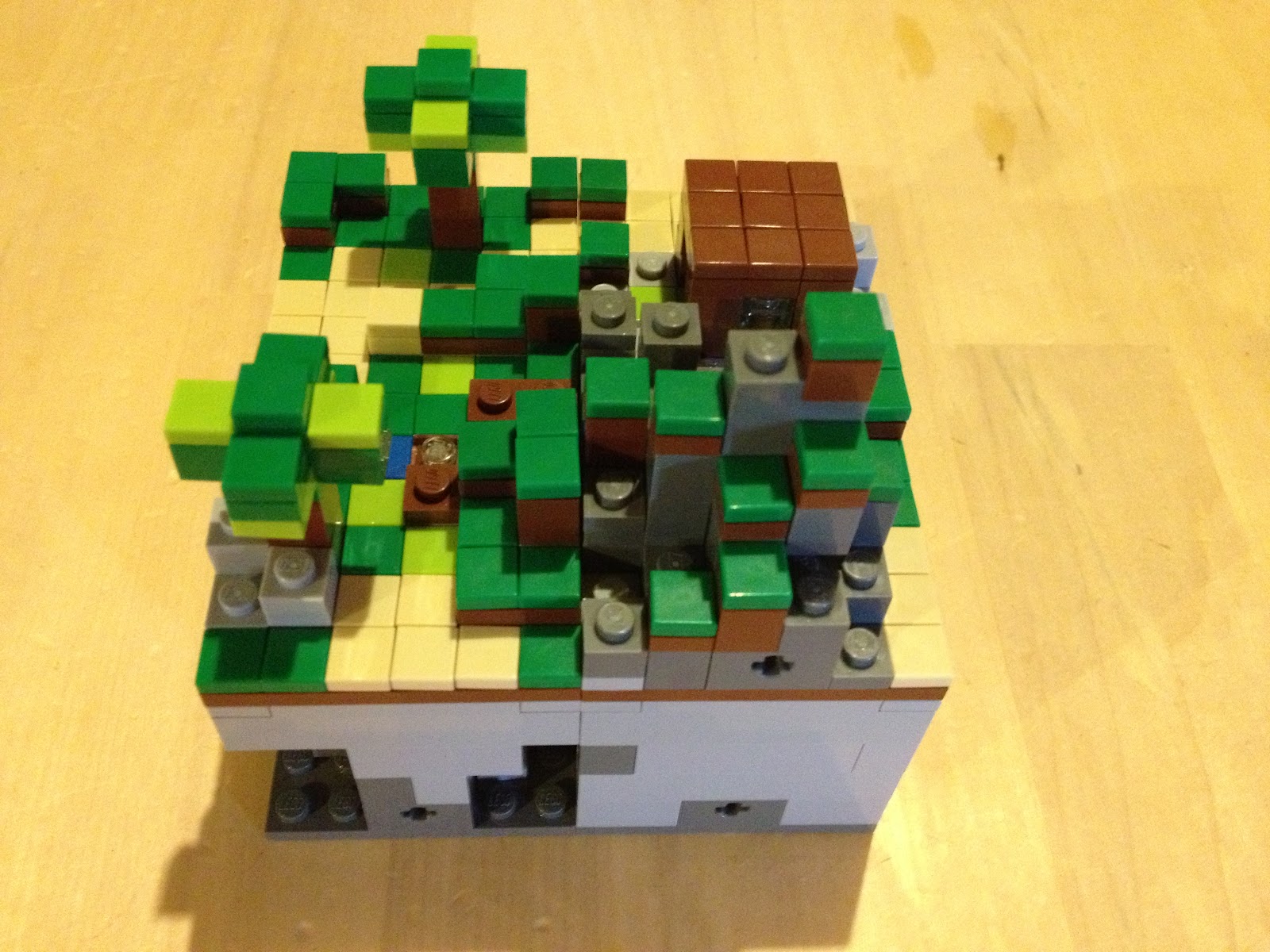
Earlier I posted some pictures of my Minecraft LEGO set. I had mentioned at the end of that post that I would be trying to take that LEGO set and build it in Minecraft: Pocket Edition. Well, to the best of my ability, I did. The LEGOs weren't to scale with the actual game, which made it a bit difficult to get everything the right size, but I think it turned out looking okay. On the left will be MCPE and on the right will be the LEGO set.

Minecraft LEGOs
I got a package in the mail yesterday, and it looked a little like this.


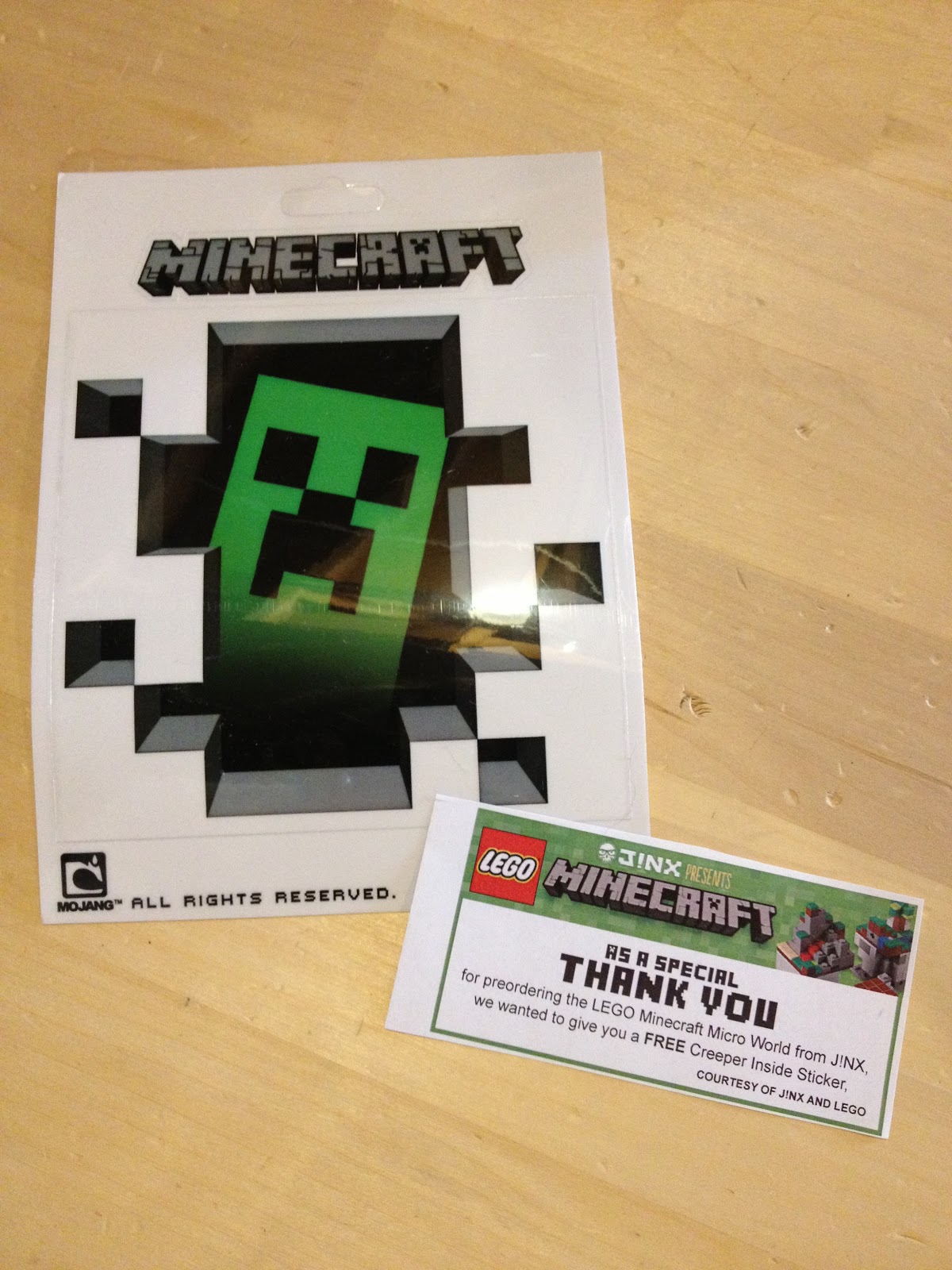
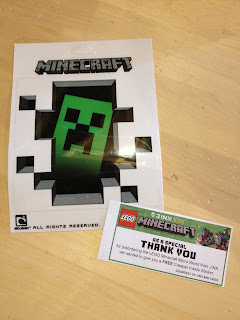 That's the box for the Minecraft LEGO set. I pre-ordered it a few weeks ago from J!nx, where you can pre-order a set too. This set came into existence thanks to a LEGO project called Cuusoo and 10,000 enthusiastic Minecraft fans. It's a website where anyone can upload pictures of ideas for LEGO sets, and if 10,000 click a set idea's Support button, it'll be reviewed by a LEGO team and considered for a project. Well, the Minecraft Micro World set not only got 10,000 supports, but was also approved my Mojang. So, it was made into an actual set, and I got one! Also, for pre-ordering, I got a creeper sticker from J!nx (shown to the right), which I thought was pretty neat. The whole idea behind Minecraft is to build whatever you desire. The set did come with some instruction books, which I followed to show off the set, but I plan on rebuilding it into something else, just like Minecraft.


Chrome for iOS
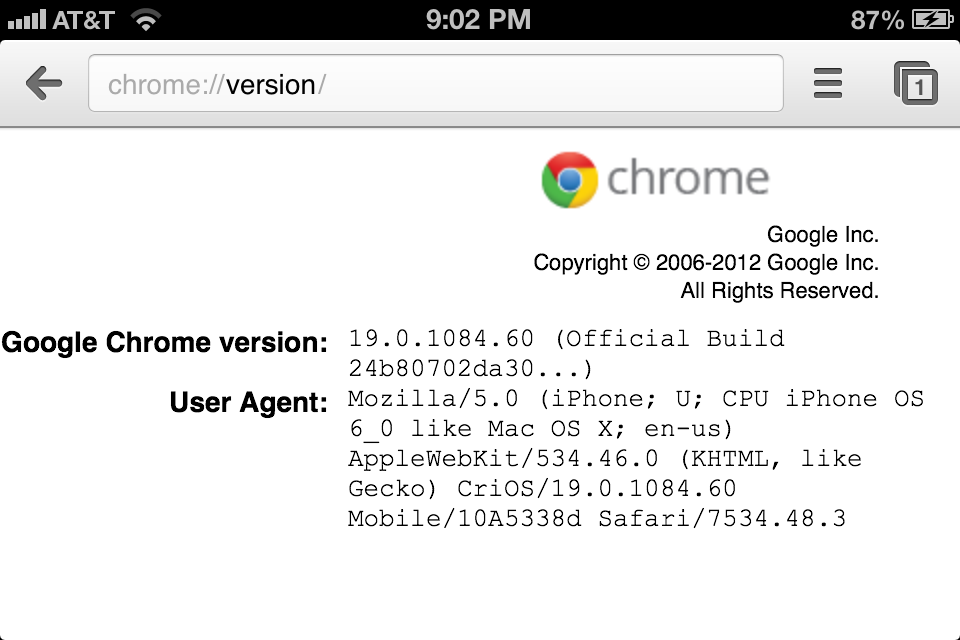
Yesterday marked day 2 of Google's annual "I/O" conference, where on day 1 they had already revealed the next installment of their bloatware Android OS (now with Butter!) along with their pretty cheap tablet and a media streaming device. Those don't matter; what does is what they released for a better platform yesterday. First came Google Drive for iOS, which was overdue and only a file viewer, not an editor or uploader. But the big piece yesterday was Google Chrome being released for iPhone, iPads, and iPod Touches. Here's my rundown of the long awaited Safari-crushing browser. (Click on any image to enlarge it.)

iOS 6: Beta 2
To check out more blog posts about iOS 6, including my introductory one, click here.
Interesting readerbase
Blogger has tools that show a ton of information about who views blogs, including location by country, device/operating system used, and browser used. It also shows, if people found a blog via a Google search, what they searched to bring them to that blog. Here's the demographic of my blog for the last month.


Subscribe to:
Posts (Atom)